Write the brief before the shots.
A useful brief explains who will watch, what one thing they should remember, and what action they should take. Add the intended duration, format and visual tone.
Describe the actual product: color, shape, materials, logo position and distinguishing features. Describe casting and styling for the campaign’s audience and situation, including hair, makeup, wardrobe and accessories.
For the coffee example
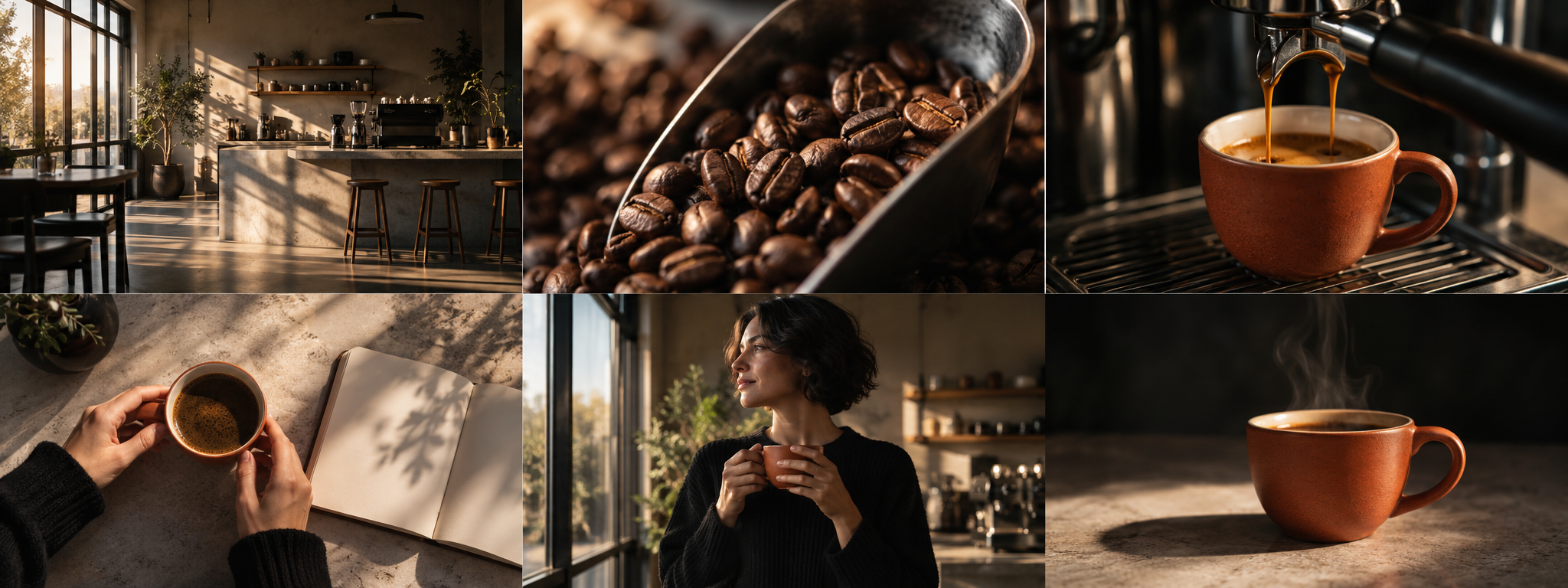
A calm 30-second morning ritual. Warm window light, natural gestures, a ceramic coffee cup and a quiet café. The closing frame leaves space for the message.
Build a sequence of visible actions.
Give each shot a job. Establish the location, show the task, introduce a product detail, show its use, capture a reaction and close with a clear image.
A shot description should name an observable moment. “Hands click the lid shut” gives the team more to work with than “the product feels premium.” Add framing, duration, dialogue and production notes separately.
In Frameboard, use AI storyboard to enter your script, video type, duration and shot count. Review the quote, generate the plan and shot breakdown, then review before applying. Manual import uses one paragraph per shot.
Keep a shared reference for each subject.
Open Visual continuity. Describe the character, product and location once, and attach a reference image when you have one. Bind only the subjects visible in a particular shot.
For an advertising character, plan styling for the brand and scene. Keep face, hair, makeup, clothing and accessories explicit. A generic character description does not replace casting or art direction.
If several shots share a setting, choose an approved illustrated shot as the location’s scene master. It guides spatial layout, light and atmosphere. Check each new frame against that shared reference.
References guide the model; they do not guarantee identical faces, exact logos or perfectly matched geometry. Use owned product photography where exact product representation matters.
Review what is actually in the image.
Use the image’s expand control to inspect the original frame. Check the face, wardrobe, hands, product geometry and the action. Look at background people, their gaze and whether the subject shares the scene’s light, shadows and perspective.
Keep one clear moment per image. Still frames cannot show every action described across a five-second shot. Choose the moment that communicates the shot’s purpose.
If a detail is wrong, try a specific image refinement or replace the frame with your own reference. Every new generation has its own credit quote. Treat AI images as planning references and review rights before public use.
Export a board another person can use.
Confirm the shot order, durations, dialogue and production notes. In PDF preview, choose four shots on A4 portrait or two on A4 landscape, then download the PDF.
The PDF is an image document; its text is not selectable. Export CSV if you need editable shot data. Save a project ZIP to keep the storyboard text and images together.
Signed-in projects can be saved to your account when the account service is available. Check the save indicator before leaving, and keep a ZIP backup when sync reports a problem.