AI storyboard generator
Make the story
visible.
Turn scripts into shot plans. Shape each frame, then share a storyboard your team can follow.
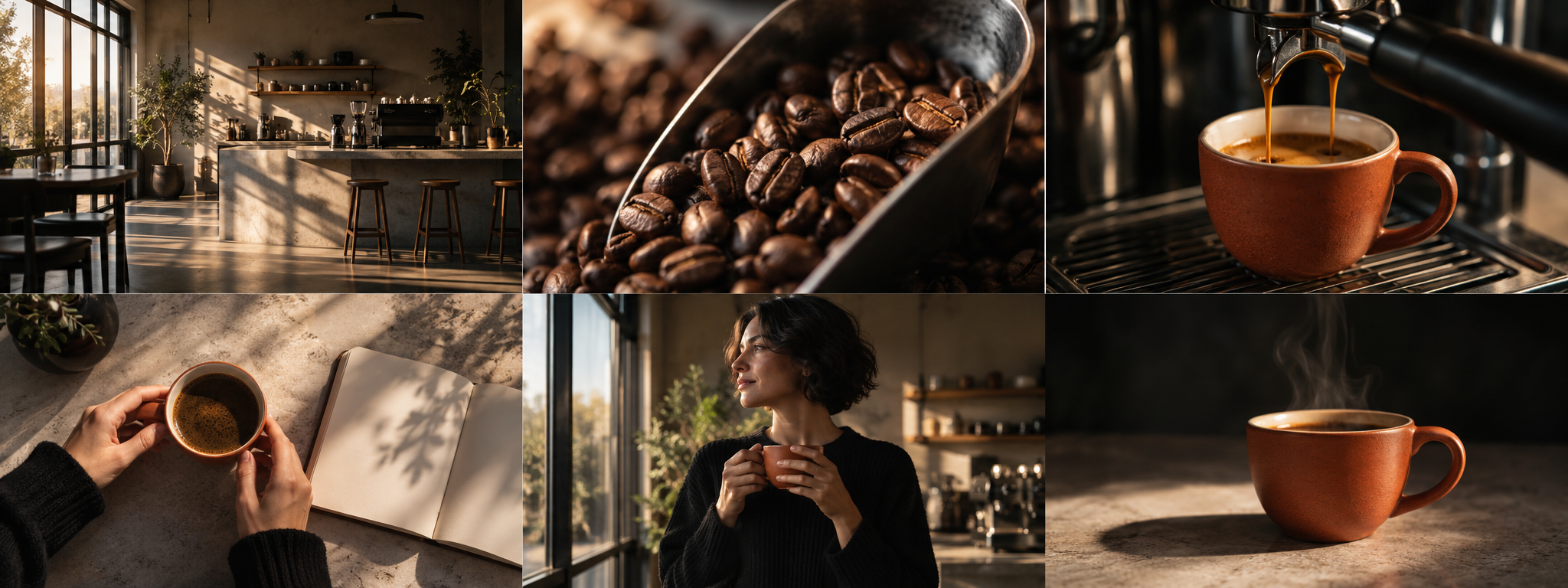
Plan the story before the images.
Give the scene a purpose, audience and visual direction before asking AI to break it into shots.
Bring the brief
Start with your script, video type, intended duration and shot count. Describe the audience, product and desired mood.
Review the plan
Review creative direction, casting, wardrobe and locations. Apply the shot breakdown when it fits the idea.
Build the sequence
Bind shared subjects, add references and generate frames one at a time. Adjust shot size, action, dialogue and timing.
Prepare the production handoff
Choose landscape, portrait, square or 4:5. Review practical action, camera movement, sound and transitions; rehearse the timing with still frames. Download named images, prompts, a brief PDF and timeline in one production pack. Video and audio are made in your production tool.
The same subject.
A different shot.
Keep a character, product or location in the shared reference library. Bind the subjects that actually appear in each frame.
For a continuing scene, choose an existing image as the scene master. Reference guidance improves continuity; it does not guarantee an exact match.
Read the continuity checklistA board you can change
- Up to 24 shots per project
- Reorder, split, merge and edit shot cards
- Inspect the full reference image
- Review generated results before applying
- Keep the previous image when replacing a frame
See the cost before you generate.
Script planning and breakdown: 10 credits. Standard reference image: 8 credits. Manual editing and export: free.
See all credit costsBefore your first storyboard
What does an AI storyboard generator do?
Frameboard turns a script and creative brief into an editable shot plan with visual action, shot size, dialogue, timing and production notes. Generating reference images is a separate, quoted action.
Can I make a storyboard without AI?
Yes. Add shots yourself, paste one paragraph per shot, upload JPG or PNG reference images, reorder frames and export a PDF or editable project ZIP without AI credits.
Does Frameboard keep characters and products consistent?
Shared character, product and location descriptions can be bound to specific shots. Reference images and scene masters guide generation. Consistency still needs review; the model can change faces, wardrobe or product details.
Does it generate finished videos?
No. Frameboard creates shot plans and still reference images for pre-production. It does not generate, edit or render a finished video.
Can I edit an AI result before using it?
Yes. Results wait for review and are applied explicitly. Edit the shot text, timing and production notes, replace an image, or request a separately quoted rewrite or image refinement.